
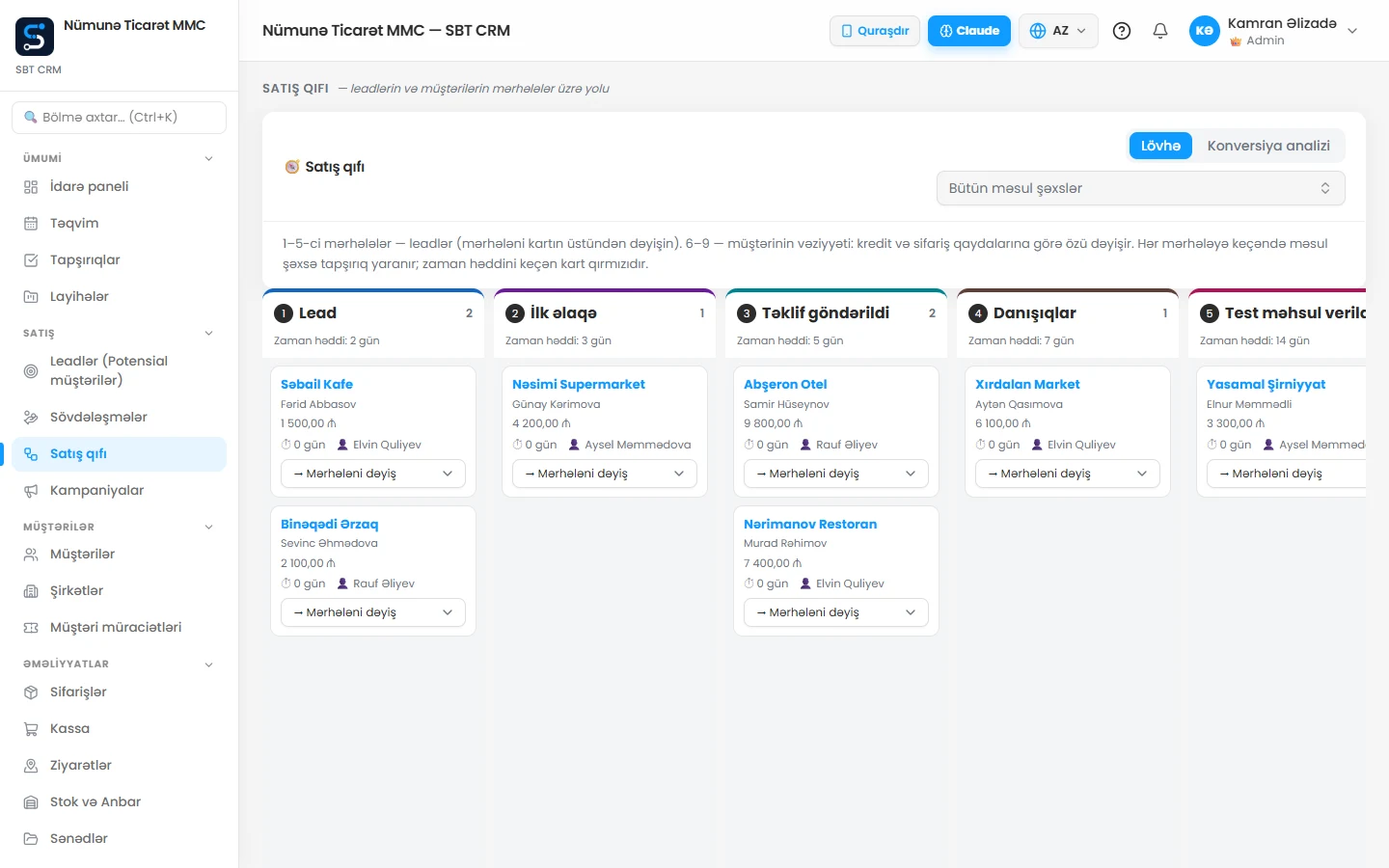
A form submission starts the process
An enquiry needs an owner and a next action. Website acceptance should cover handover as well as appearance. SBT Web provides development and support; SBT CRM supports follow-up. Confirm integration scope in the selected plan.
Map the minimum data
Specify where name, contact details and subject belong in CRM. Keep source separate from the service requested. Collect necessary information only and explain its purpose. Decide what happens when an existing customer sends another form.
Agree ownership
Set response hours, a target response interval and cover for absence. The CRM lead guide describes stages, next-contact dates and automatic tasks based on configured sales rules. Permissions and configuration matter; a form alone does not establish an operating process.
Acceptance checklist
- Submit a test and confirm one lead is created.
- Compare source, service and owner with the form.
- Check notification, task and follow-up date.
- Test duplicates and an existing contact.
- Document recovery when integration is unavailable.
Measure outcomes separately
Visits, enquiries and sales are different counts. Review response time and stage outcomes. This illustrates a process, not a promised client result. Start with business analysis, read the lead guide and discuss the workflow.